D2 Survivors Save Location: Find And Protect Your Save
Updated 2026-11-07
Version build 20261101.1
The D2 Survivors save location depends on where you play: the website keeps your save in that browser, while the desktop app keeps it on disk, apart from every browser. Use SAVES on the main menu to export Softcore progress as a code or file, then import it wherever you want to continue.
Where Is the D2 Survivors Save Location for Browsers and the Desktop App?
Your progress lives in one save for each mode. On the website, that save belongs to the browser you play in; in the desktop app, it lives on your disk. Browser settings such as sound, video, controls, AUTO STATS and language stay with that browser or app. The LOOT FILTER travels with the save. The how to play guide covers the first steps before you head into a run.
| Field | Value |
|---|---|
| Entries | 7 backup rows and 5 Hardcore events |
| Scope | English text of the official Saves, Hardcore and FAQ pages |
| Data version | Build 20261104.2 (wiki: saves.txt, "From the game's code as of build") |
| Last updated | 2026-11-05 |
The website asks the browser to keep its storage for good as the game opens, and keeps backup copies in that browser’s database. If the main storage is empty, the newest copy is restored and the menu says “Your save is back”; a save that is still present is never replaced. Clearing site data deletes the save and its copies. The D2 Survivors save location is tied to that browser, so export a file to keep a copy independently.
How Do You Back Up a Save?
Open SAVES on the main menu to export your Softcore save as a code, or choose Save as a file to create a text file named for the day and minute. The desktop app asks where to put it. Only an exported file is yours to keep; website backups stay in the browser.
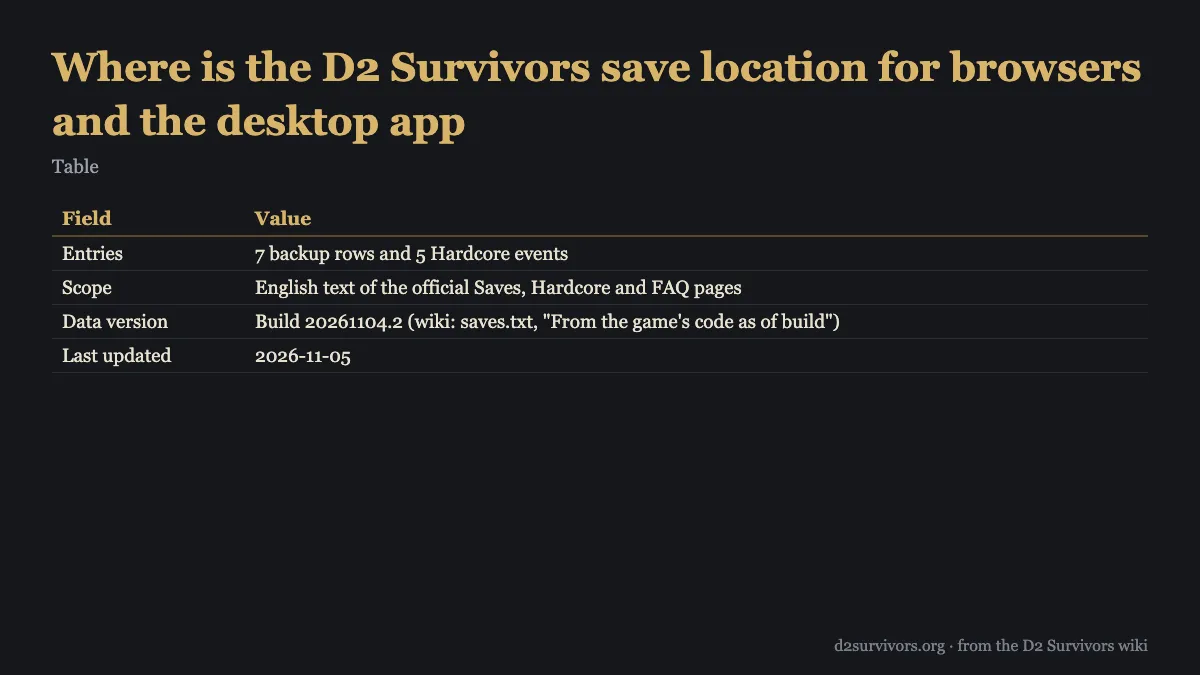
The website keeps the newest 3 copies and the last copy from each of the newest 3 days. It copies at most once a minute, and also at an act’s start, SAVE AND EXIT and a run’s end. Only saves with progress are copied. SAVES lights up with a reminder if Softcore progress has not been exported: after 7 days on Safari, 14 days in other browsers, or 1 day after killing a class’s Hell Baal or reaching a new best Terror tier. Before your first export, it lights as soon as progress is saved. The reminder never appears in the desktop app, for Hardcore, or when the game is added to the Home Screen.
| Item | Value | Source |
|---|---|---|
| Website backup copies | Newest 3, plus the last copy of each of the newest 3 days | wiki: saves.txt, "the newest 3" |
| Copy rate | At most once a minute | wiki: saves.txt, "at most once a minute" |
| Export reminder, Safari | After 7 days | wiki: saves.txt, "7 days on Safari" |
| Export reminder, other browsers | After 14 days | wiki: saves.txt, "14 on any other browser" |
| Export reminder after a milestone | After 1 day | wiki: saves.txt, "it is 1 day" |
| Desktop app disk write | Within 3 seconds of each change | wiki: saves.txt, "within 3 seconds of each change" |
| Import code length | Codes over 1,000,000 characters are refused | wiki: saves.txt, "longer than 1,000,000 characters" |
How Do You Restore or Move a D2 Survivors Save Location?
In SAVES, choose Import and paste a code or select Open a save file. Before anything changes, the game compares both saves, showing gold, upgrades, items and best time. The replaced save is kept aside in this browser. Your heroes and saved runs come with the import; shop wares, Gheed’s gamble and Charsi’s offered Imbue item refresh.
Use SAVES to move Softcore progress between browsers, devices and the desktop app. Codes are read and checked in your browser, never sent anywhere. A code from a newer version asks you to reload the page or update the app. An import that would leave a hero or saved run behind is refused, naming both builds. SAVES is also available from class select and setup, without game files. See troubleshooting if a save cannot be read.
A run is saved as each act after the first begins, with your hero as they stood at that act’s start. SAVE AND EXIT, a closed tab or a phone ending the tab costs that act’s gains, and nothing more. A new hero’s first run is not saved in Act I; a run with a banked hero is saved at Act I’s start. The D2 Survivors save location also keeps the run as Act I began when you take the cow portal or the portal to Tristram. See runewords for persistent gear and crafting.
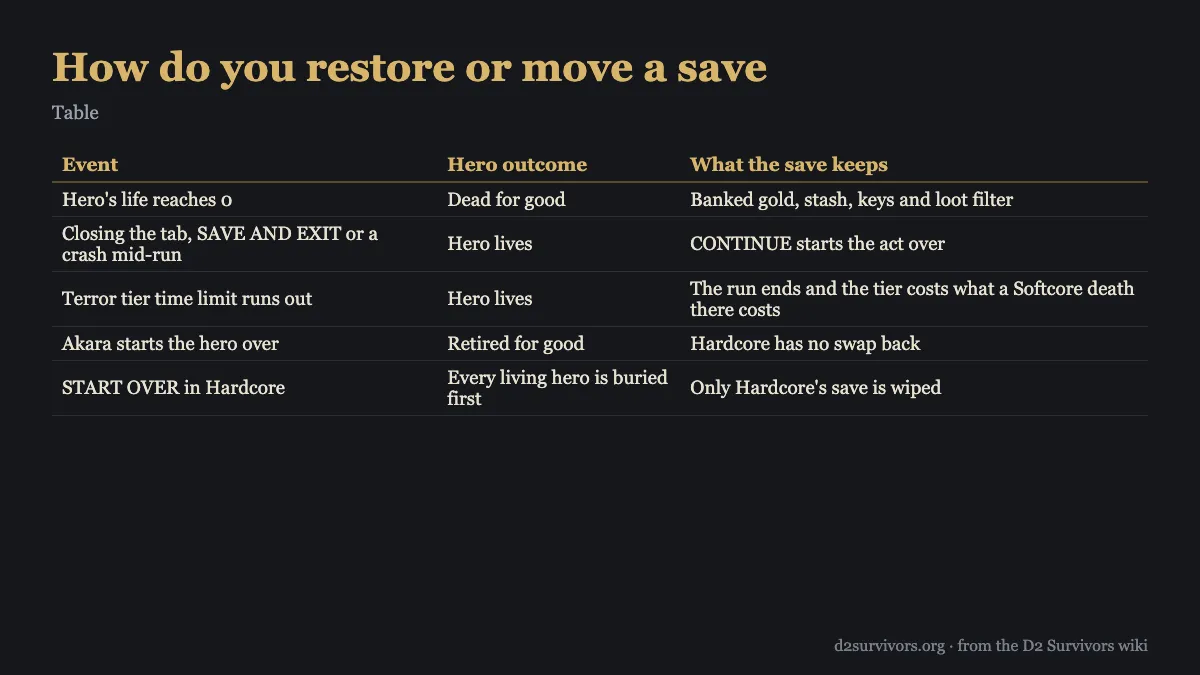
| Event | Hero outcome | What the save keeps |
|---|---|---|
| Hero's life reaches 0 | Dead for good | Banked gold, stash, keys and loot filter |
| Closing the tab, SAVE AND EXIT or a crash mid-run | Hero lives | CONTINUE starts the act over |
| Terror tier time limit runs out | Hero lives | The run ends and the tier costs what a Softcore death there costs |
| Akara starts the hero over | Retired for good | Hardcore has no swap back |
| START OVER in Hardcore | Every living hero is buried first | Only Hardcore's save is wiped |
What Happens to Saves on Hardcore Death?
Hardcore has a separate save, with its own heroes, gold, stash, upgrades and ladder. A new Hardcore save starts with no gold, Charsi’s upgrades at 0 and Cain still in Tristram; only your leaderboard name and LOOT FILTER come from Softcore. The Dark Wanderer by the bonfire switches saves, and PLAY opens the one you played last. Nothing else crosses between them.
Death takes the Hardcore hero’s level, build, carried gear, saved run, mercenary’s gear, unbanked run gold, unlocked difficulties and Terror tiers. The save keeps banked gold, upgrades and Imbues, stash tabs, keys and organs, Cain’s freedom and quests, skill modifiers, hired mercenaries and the LOOT FILTER. Graves are kept apart from the save, so an older copy cannot bring back a dead hero. A living hero in a copied-back or externally changed save can play, but is never ranked again.
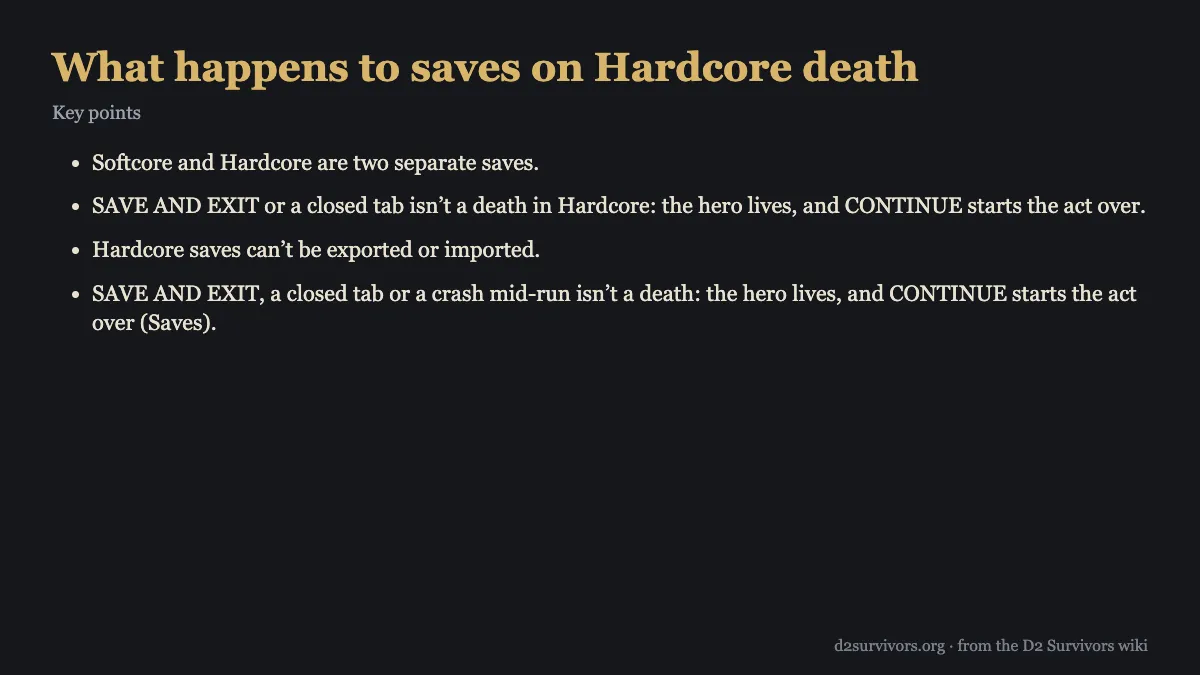
SAVE AND EXIT or a closed tab is not a Hardcore death: the hero lives, and CONTINUE starts the act over. Hardcore saves cannot be exported or imported and need a browser that keeps its save. START OVER in Options, GAME OPTIONS buries every living hero before wiping Hardcore alone. See the class guide when choosing a hero.
Why Did My Save Disappear from the D2 Survivors Save Location?
Check that you are in the same browser or desktop app and the same mode. Browser saves stay in their browser, and Softcore and Hardcore are separate; the desktop app keeps its save on disk. Clearing site data deletes the website save and its copies. If storage is empty for another reason, the newest available copy is restored with the “Your save is back” message. This is one common reason the D2 Survivors save location can seem empty.
A run may look missing because it ended: death or the last boss falling ends the run and its saved run. Each hero has one saved run. CONTINUE opens it; another waypoint row ends it after a second confirmation, except the Training Ground. SAVE AND EXIT asks first. If there is no saved run, as in a new hero’s first Act I, or the browser refused to save, the game tells you before you leave.
A save the game cannot read is kept aside in this browser while a new save starts. An incompatible hero, saved run or retired hero is set aside separately, and returns when a version can read it, with “Back in your save” on the menu. An older app or tab encountering a save from a newer version keeps the whole save aside. See the save troubleshooting guide for storage issues.
D2 Survivors Save Location FAQ
Does the game save every item I pick up?
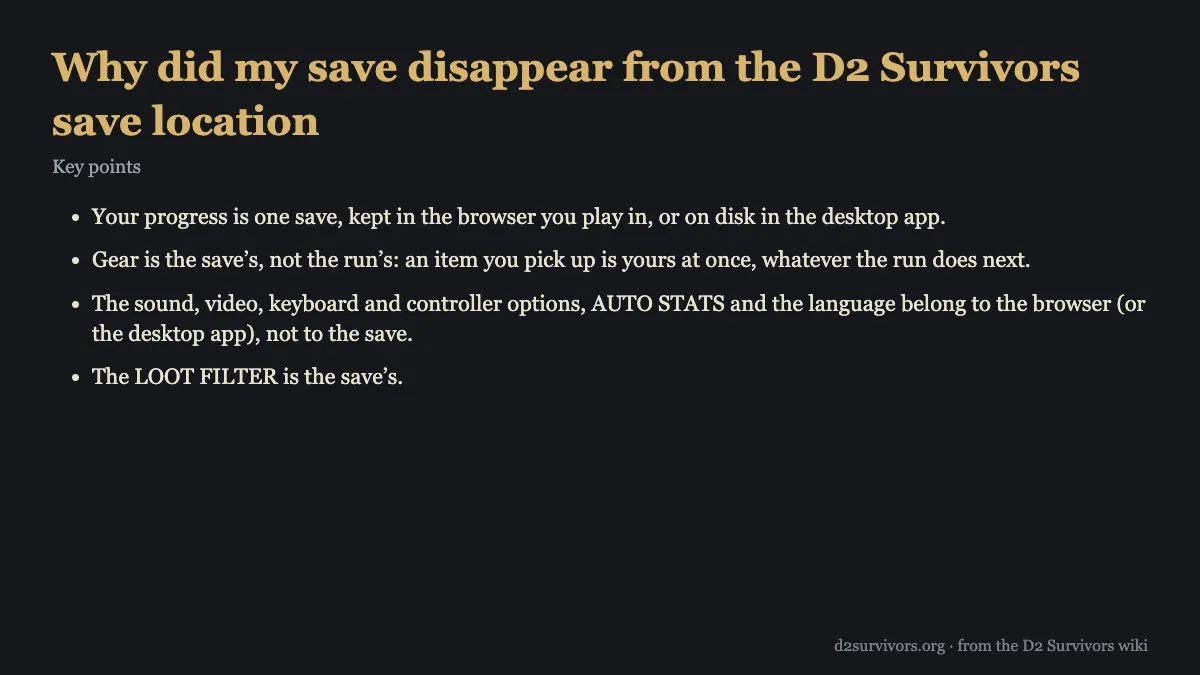
Yes. Gear belongs to the save, so an item you pick up is yours at once, whatever happens later in that run. A checkpoint can roll back that act’s gains without removing earlier saved gear.
Can I use the browser’s automatic copies to move my save?
No. Those copies stay in that browser’s database; use SAVES to export Softcore progress as a code or file for another browser or the desktop app. Only an exported file is yours to keep.
What does Continue do for a saved run?
In camp, the waypoint lists Continue under the saved act with its difficulty or Terror tier and your level. Selecting it opens that act; a tap on the run notice can also reload straight into it.
Will my Hardcore hero return if I import an older save?
No. Graves are kept apart from the save, so a copied-back save cannot raise the dead. Hardcore saves also cannot be exported or imported.
Why can another tab not open my save?
When one tab is playing, another waits until the first closes, then reads the save as it was left. This prevents tabs from overwriting each other’s gold, gear and saved runs.
Why did my D2 Survivors save location become empty?
The D2 Survivors save location is tied to its browser or app, and clearing the website’s data also deletes its backup copies. If storage is empty but a browser backup remains, the newest copy is restored automatically.
Facts on this page come from the D2 Survivors wiki at d2survivors.lol (game build 20261101.1), read on 2026-11-07. Values can change with later builds.