D2 Survivors Patch Notes: Build Changes and Updates
Updated 2026-11-07
Version build 20261101.1
D2 Survivors patch notes cover the latest build’s changes to runs, skills, areas, saves, and updates. The current build adds new choices and clearer feedback while preserving the Diablo II feel of combat, sound, and lighting. Here’s what changed, where to find your build number, and how the game handles your save.
What do the latest D2 Survivors patch notes change?
The latest D2 Survivors patch notes change how runs begin, how skills are chosen, and how areas look and sound. A new hero starts at level 1 with no skill, using Diablo II’s Attack and the class’s starting weapon. Each level pauses the run for three cards: a new skill or passive if a slot is free, or a level for a skill you hold. Right-click a skill slot in the build strip or beside the skill tree to rest it.
The build strip shows skill and passive slots in two rows, including empty slots. Buttons beside the globes show your first skill on the left and newest on the right, shaded while recharging. Messages stack over your hero, newest at the foot. Markers identify shrines, portals, chests, gear, charms, jewels, essences, elites, bosses, and the treasure thief. See the class guides and build pages when planning choices.
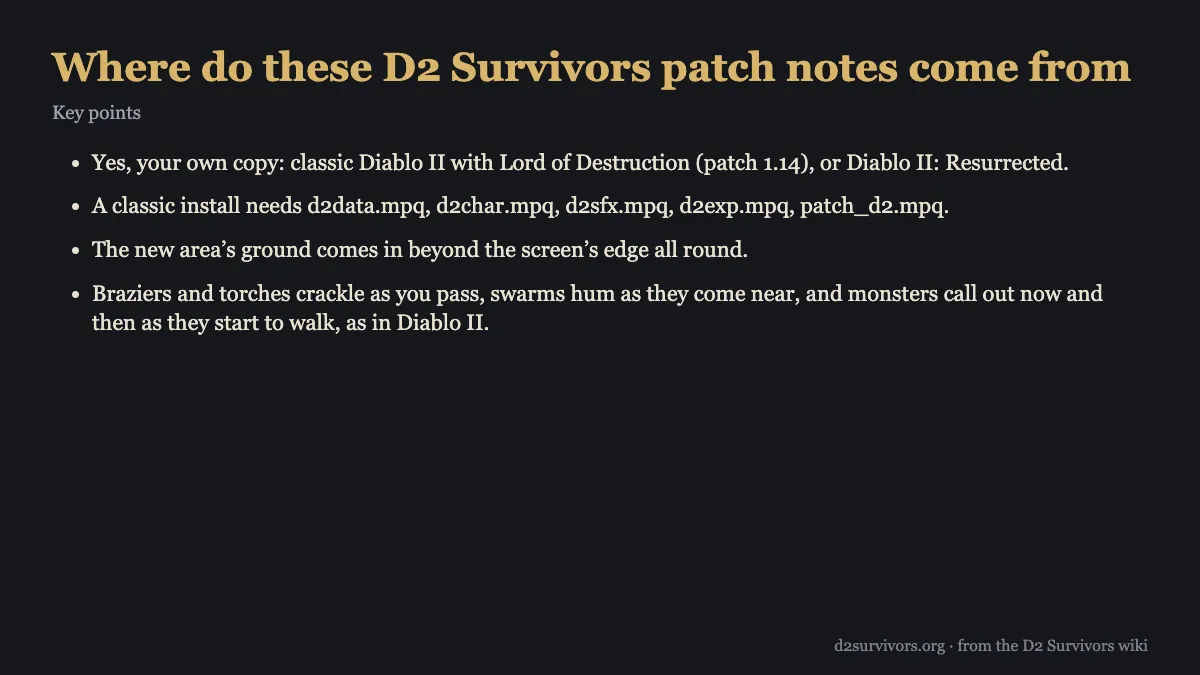
Areas light as Diablo II does, changing at borders, while new ground comes into view beyond the screen’s edge. Braziers, torches, swarms, and walking monsters make familiar sounds. Footsteps reflect the ground and class: light for Sorceress, Necromancer, Assassin, and Druid; medium for Amazon and Paladin; heavy for Barbarian. Weather changes the field’s appearance only: snow covers several Act V areas, and rain is heard as it falls.
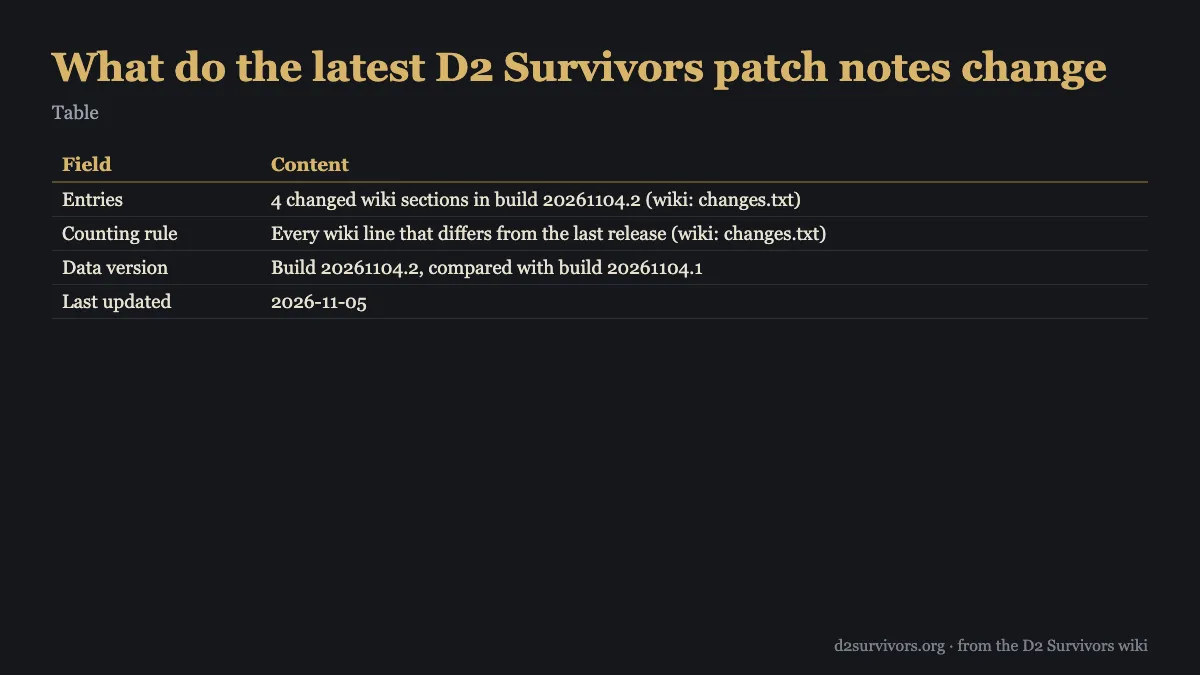
| Field | Content |
|---|---|
| Entries | 4 changed wiki sections in build 20261104.2 (wiki: changes.txt) |
| Counting rule | Every wiki line that differs from the last release (wiki: changes.txt) |
| Data version | Build 20261104.2, compared with build 20261104.1 |
| Last updated | 2026-11-05 |
Which build is live now?
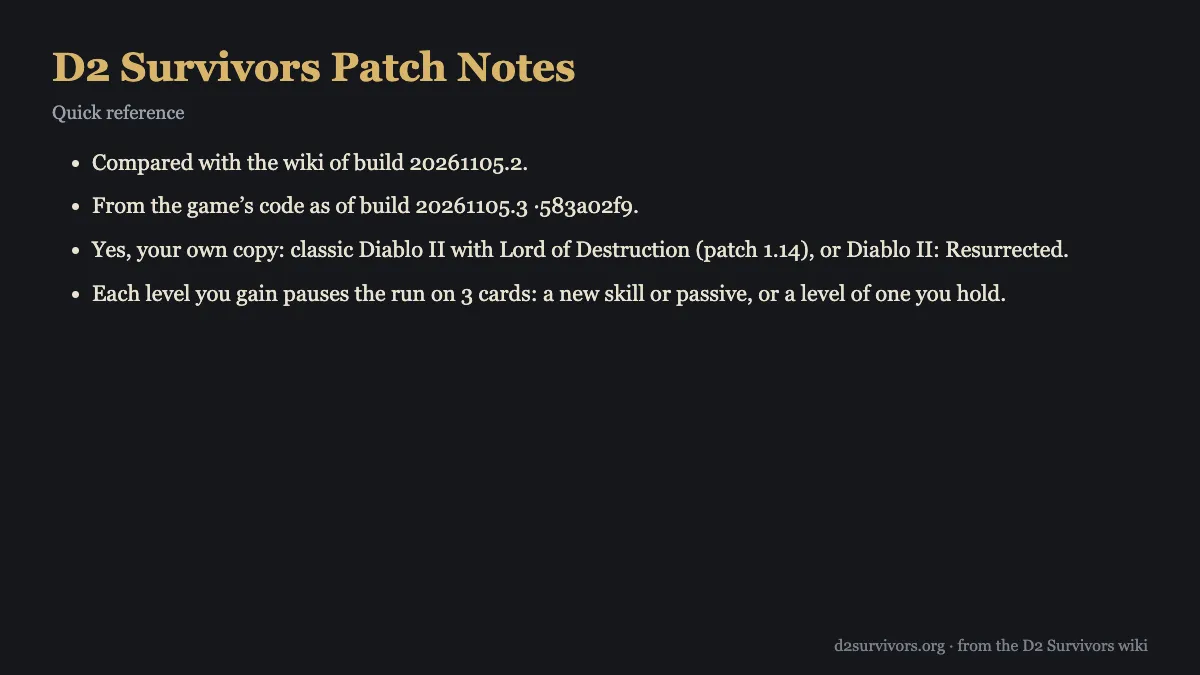
The live build is 20261105.3, compared with the wiki of build 20261105.2. On the website, menus and camp say “A new build is ready: click to reload” when an update is available. The desktop app downloads newer builds in the background and shows “Update ready: click to restart” in the menu corner.
When an update changes how some files are read, the game extracts only those files again, in setup for your own files and automatically in the browser. Turn off update checks in Options, GAME OPTIONS, AUTO UPDATE. Desktop apps are available for Mac with Apple silicon, Windows, and Linux; the Linux beta is an x64 AppImage that runs on Steam Deck too. The browser version works in any desktop browser. See download and setup options or how to play.
NEWS, in the top right corner, lists changes by build; its gems glow gold when there is something new. Check the website’s menus and camp, or the desktop app’s menu corner, for update prompts. See the troubleshooting guide if setup or an update does not proceed.
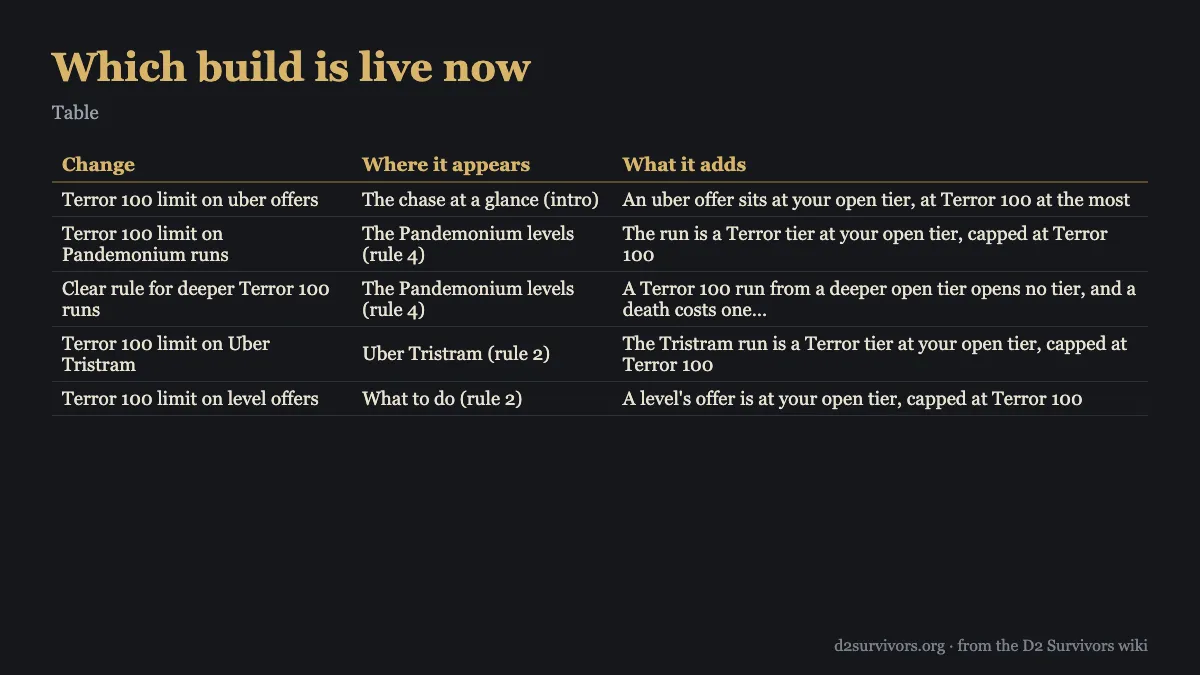
| Change | Where it appears | What it adds |
|---|---|---|
| Terror 100 limit on uber offers | The chase at a glance (intro) | An uber offer sits at your open tier, at Terror 100 at the most |
| Terror 100 limit on Pandemonium runs | The Pandemonium levels (rule 4) | The run is a Terror tier at your open tier, capped at Terror 100 |
| Clear rule for deeper Terror 100 runs | The Pandemonium levels (rule 4) | A Terror 100 run from a deeper open tier opens no tier, and a death costs one tier |
| Terror 100 limit on Uber Tristram | Uber Tristram (rule 2) | The Tristram run is a Terror tier at your open tier, capped at Terror 100 |
| Terror 100 limit on level offers | What to do (rule 2) | A level's offer is at your open tier, capped at Terror 100 |
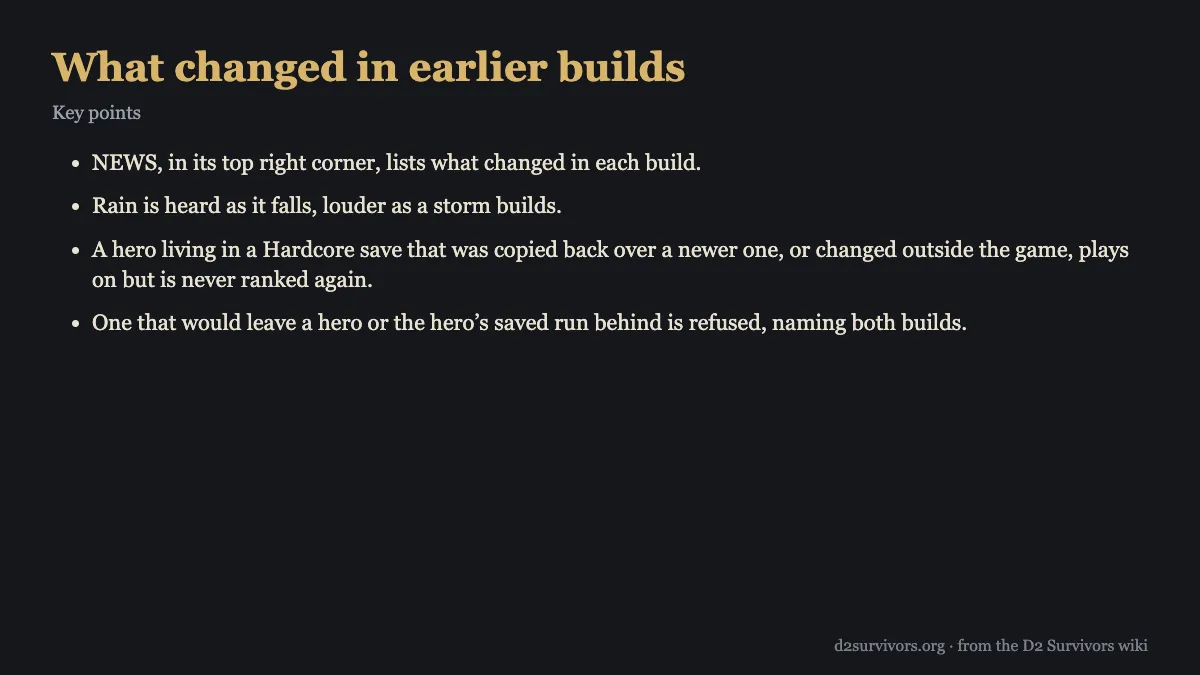
What changed in earlier D2 Survivors patch notes?
Earlier D2 Survivors patch notes changed how runs begin and continue. Your level and build carry between runs through the bank, while your gear remains the class’s own and is not banked. Before your first Baal, a new run starts at level 1. Starting a new run can bank a further progressed saved run; “Click again” at an act’s start banks the hero as the run stood there.
At the campfire, a saved run can show its location and offer CONTINUE or NEW RUN. A new run restores the level, experience, build, belt, kills, Resurrects, Rerolls, Skips, and Banishes from its beginning, with your current gear and full life. A new hero’s first level 1 run in Act I is not saved. Some things persist, such as an opened chest carried into the act.
Other changes cover rewards, difficulty, and death feedback. Walking into a barrel kicks it open for gold and may reveal a potion, scroll, or magic item; other monsters can drop gold too. With a difficulty open but no banked hero, a new level 1 hero climbs toward /players 6 across the acts, and act bosses have three times their life. The death screen names the killing blow and records the fall, kills, gold, and any new best time.
How do you check your build number?
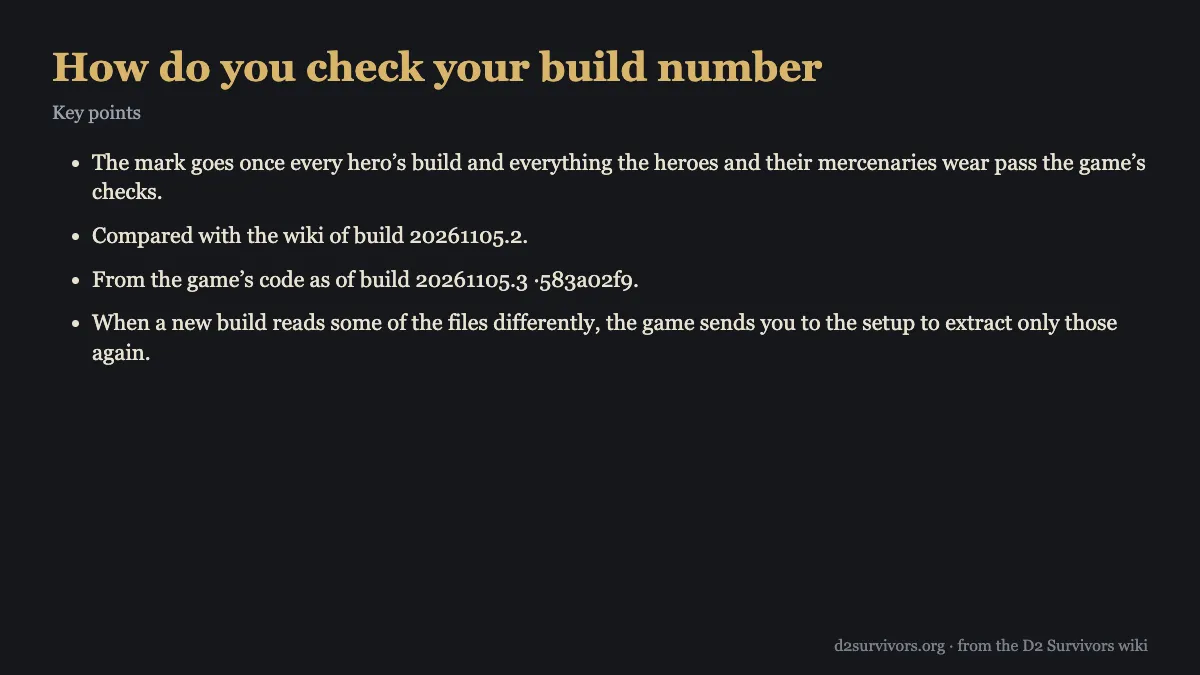
Open NEWS in the top right corner to read changes by build; its gems glow gold when something is new. Compare the build shown in game with 20261105.3. Website updates appear in the menus and camp, while desktop app updates appear in the menu corner.
For your own files, classic Diablo II with Lord of Destruction needs d2data.mpq, d2char.mpq, d2sfx.mpq, d2exp.mpq, and patch_d2.mpq. You can also use Diablo II: Resurrected. When a build reads some files differently, it asks you to extract only those files again. Switching between your files and hosted files does not change your save.
Once the site stops serving its own files, a browser without yours, including a phone browser, gets a hosted version ended page with a way to use your files or the desktop app and download your Softcore save. The game writes saves to disk within 3 seconds of each change and at key moments, including an act start, SAVE AND EXIT, a run’s end, an import, START OVER, and when the app quits.
Where do these D2 Survivors patch notes come from?
These notes describe the game’s code as of build 20261105.3, compared with the wiki of build 20261105.2. NEWS lists changes by build, and update prompts appear in the website or desktop app when a newer build is ready.
The website keeps browser database backups: the newest three and the last copy from each of the newest three days. If browser storage has no save, the newest backup is restored and the menu says “Your save is back.” Unreadable saves and content a version cannot start are kept aside until a version can read them; the menu then says “Back in your save.”
Before an import, the game shows the current and incoming saves side by side, including gold, upgrades, items, and best time. A newer version’s save may require an update, be accepted with unfamiliar content left out, or be refused if a hero or saved run would be lost. Changes made outside the game can still be played, but those runs are not sent to the leaderboard. See the class overview for character choices.
D2 Survivors Patch Notes FAQ
What do the D2 Survivors patch notes cover?
They cover gameplay, interface, area presentation, updates, and save behavior. NEWS lists the changes for each build, and its gems glow gold when something new is available.
Can I play with my own Diablo II files?
Yes. You can use classic Diablo II with Lord of Destruction at patch 1.14, or Diablo II: Resurrected, and switching between your files and hosted files does not change your save.
Where can I read D2 Survivors patch notes in the game?
Open NEWS in the top right corner to see what changed in each build. Gold glowing gems signal that there is something new.
Does the browser version update itself?
When the website has a new build, the menus and camp say “A new build is ready: click to reload.” If the update changes how some files are read, it extracts only those files again on its own. You can turn off update checks in Options, GAME OPTIONS, AUTO UPDATE.
Where do these build notes come from?
They describe the game’s code as of build 20261105.3, compared with the wiki of build 20261105.2. NEWS is the in-game place to check the changes listed for each build.
Facts on this page come from the D2 Survivors wiki at d2survivors.lol (game build 20261101.1), read on 2026-11-07. Values can change with later builds.