D2 Survivors Save Editor: Export, Import, Back Up and Edit
Updated 2026-11-14
Version build 20261101.1
There is no official D2 Survivors save editor. The game gives you SAVES on the main menu, which exports and imports a Softcore save as a code or a file. A community editor exists, but a save changed outside the game never reaches the ladder. Keep an exported copy you control.
D2 Survivors Save Editor vs SAVES: What Each One Does
SAVES is the only official tool. It shows your save as a code, lets you copy it or store it as a file, and imports a code from another browser, device or the desktop app. It never edits a number. See Saves for the in-game basics.
A community-made D2 Survivors save editor also exists: a web tool by justPLguy, labelled v11.15 on its own page. It is unofficial and has no link to the game's author or to Blizzard Entertainment. Its menu covers heroes and mercenaries, skills, belt potions, gear and inventory, stash, item creation, jewels, keys and organs, tempers, gold and Charsi ranks, and a save check. Its author says it runs in your browser and that the save only leaves your computer if you press Share. We have not verified the tool, so treat it as third-party software and use it at your own risk.
| SAVES (in game) | Community editor (third party) | |
|---|---|---|
| Who made it | The game's author | justPLguy, unofficial |
| What it does | Exports and imports a Softcore save | Edits the contents of a save code |
| Input | Your own save | A code starting with D2S1: or a save.json |
| Ladder | Saves stay eligible | Edited runs are not uploaded |
| Support | Documented on the official wiki | None from the game's author |
Where the Save File Lives: Browser Storage and Desktop
In a browser, your save sits in that browser's storage for the game's website. In the desktop app it is a file on your disk, apart from every browser. The official notes give no folder path for that file, so we do not list one. Whichever D2 Survivors save editor or export you use, the location rules below are the same.
| How you play | Where the save is | What to remember |
|---|---|---|
| Browser | Browser storage, tied to that browser and profile | Clearing site data deletes it and its automatic copies |
| Desktop app | A file on disk, separate from any browser | Browser and desktop saves do not sync on their own |
| Safari | Browser storage | Data from sites unvisited for 7 days can be removed |
| Private window | Temporary storage | Closing the tab deletes the save |
Sound, video, keyboard, controller and language settings are not part of the save. They belong to the browser or the app.
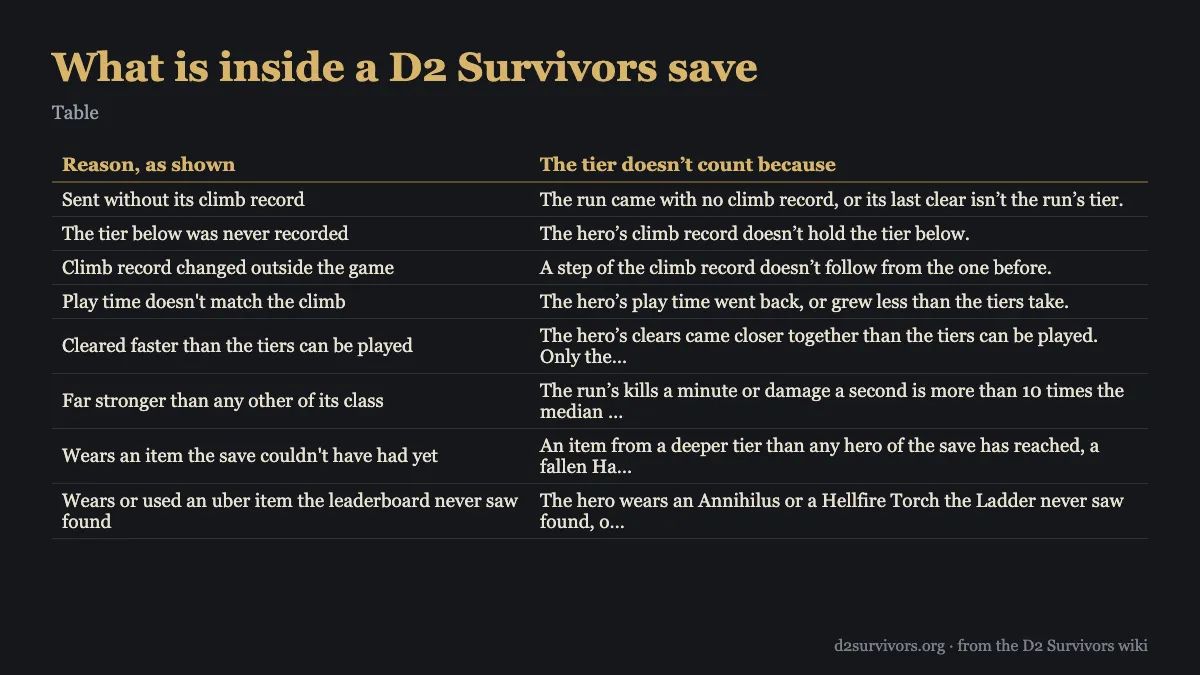
How to Export a Save Code or save.json
Exporting is the safe way to back up. A code is plain text you can paste into a note, an email to yourself or a file. Export first, and only then try any D2 Survivors save editor.
| Step | What you do | What you see |
|---|---|---|
| 1 | Open SAVES on the main menu | Your save with Export and Import |
| 2 | Choose Export | Your save as a code |
| 3 | Press Copy code, or Save as a file | A copied code, or a text file named by date and minute; the desktop app asks where to store it |
| 4 | Keep the file somewhere you control | A backup that survives cleared browser data |
A code can be pasted into any text file, and spaces and line breaks in it are ignored. Hardcore saves cannot be exported; see the Hardcore section below.
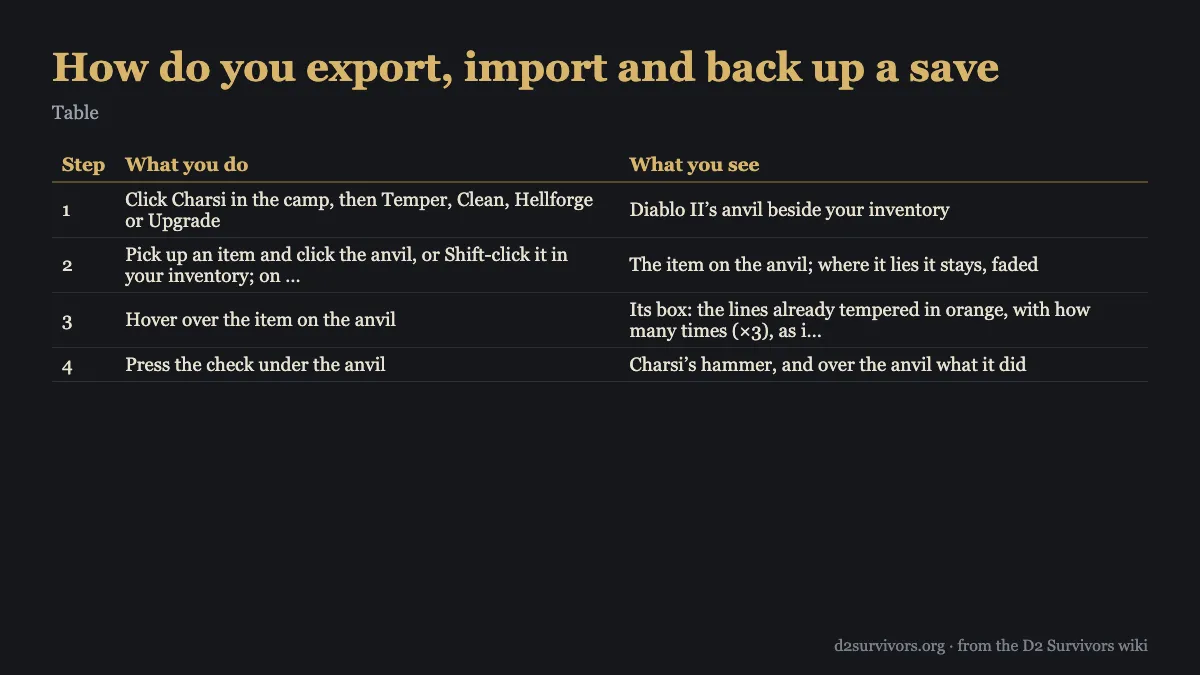
How to Import and Replace a Save Safely
Import takes a pasted code or an opened save file. Nothing changes right away: the game shows this browser's save beside the incoming one, with gold, upgrades, items and best time, and only Replace swaps them. This works the same whether the code came from SAVES or from a D2 Survivors save editor.
| Step | What you do | What you see |
|---|---|---|
| 1 | Open SAVES, then Import | A box for a code, or a file picker |
| 2 | Paste the whole code, or open the file | A side-by-side of the two saves |
| 3 | Compare gold, upgrades, items and best time | Which save is further along |
| 4 | Press Replace to swap, or leave to cancel | The new save; the replaced one stays aside in this browser, most recent only |
A code carries every hero with a saved run. CONTINUE then restarts the saved act from its beginning, with that act's monsters back and the gear you own now. The code does not carry the stock of Charsi, Akara or Gheed's gambling shelf, and those refresh after import.
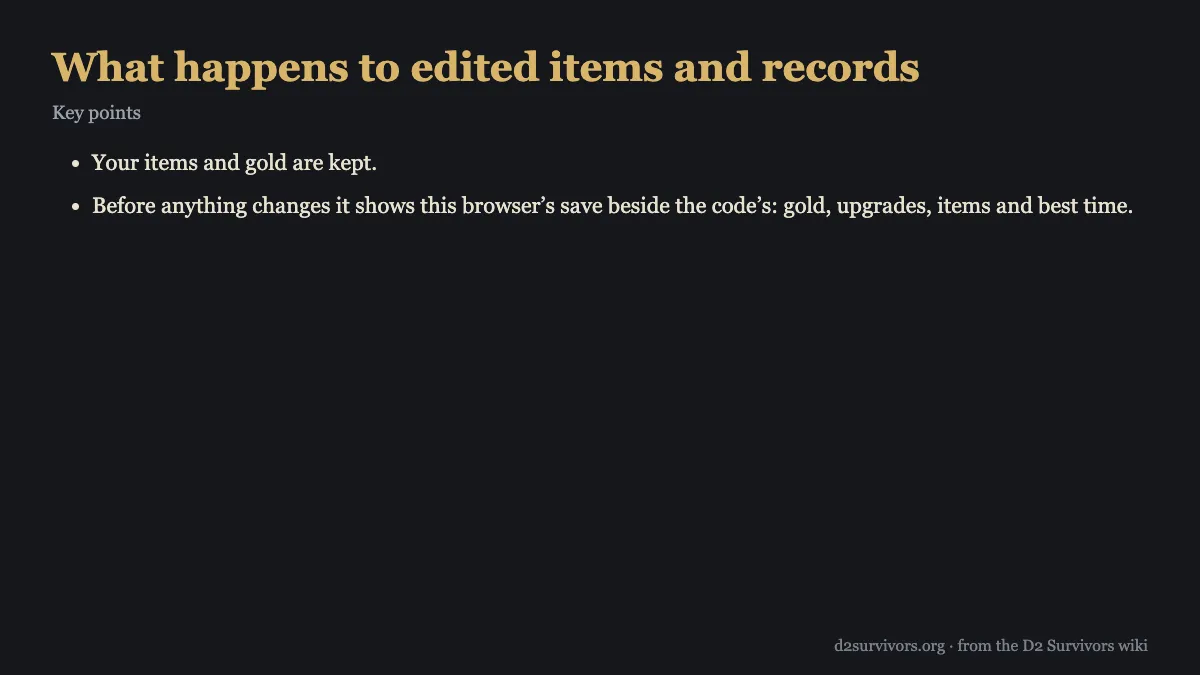
What a Save Holds: Shared Progress and Per-Class Gear
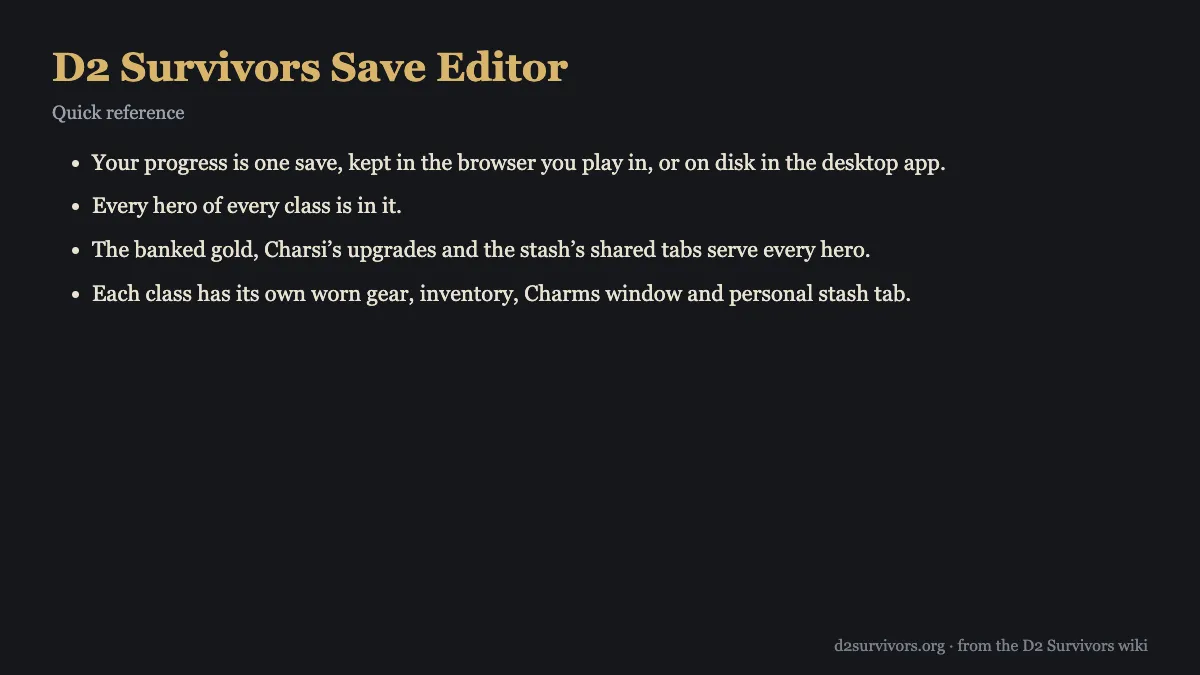
One save holds every class's hero. Banked gold, Charsi's upgrades and the shared stash tabs serve every hero. Each class keeps its own worn gear, inventory, Charms window and personal stash tab, including its Uniques tab.
| Shared by all heroes | Kept per class |
|---|---|
| Banked gold | Worn gear |
| Charsi's upgrades | Inventory and Charms window |
| Shared stash tabs | Personal stash tab, with Uniques |
Editing a Save and the Ladder
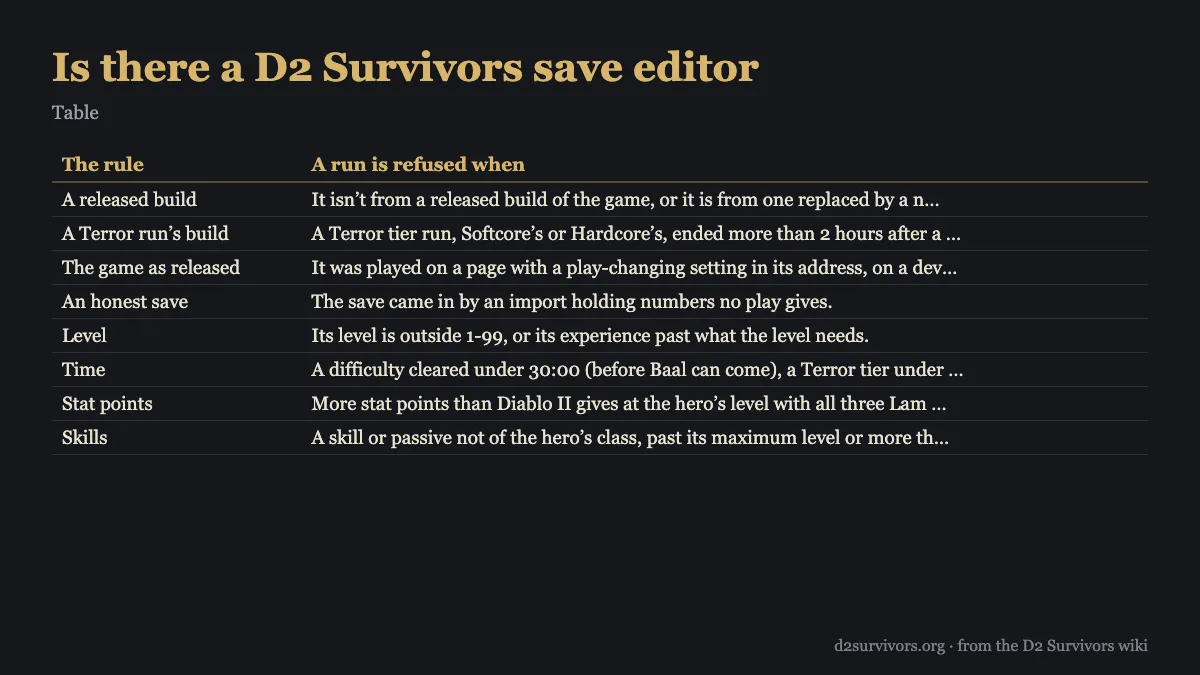
A save changed outside the game still plays, but its runs are not uploaded to the ladder. The mark clears only after every hero's build and worn gear pass the game's checks. The community editor says the same of itself: made for offline fun, not for the ladder. We do not teach number edits here, only what the game does about them. In short, a D2 Survivors save editor changes what the ladder will accept.
Run rules and caps are on the official leaderboard rules page; see the camp guide for how Charsi's Forge works.
Backups: Three Copies, and What Deletes Them
The browser keeps your 3 most recent automatic backups, plus the last one of each of the past 3 days, copied at most once a minute. If the browser holds no save at all, the game restores the newest backup and the main menu shows Your save is back. Clearing site data deletes the save and every automatic copy, so only an exported file is truly yours. That is why a D2 Survivors save editor cannot replace a real backup.
| Risk | What happens | What to do |
|---|---|---|
| Clearing site data | Save and automatic backups are removed | Export first |
| Safari | Data of sites unvisited for 7 days can be removed; SAVES lights up as a reminder after 7 days (other browsers 14) | Export weekly, or add the game to the home screen, which keeps the save |
| Private tab | Deleted on close | Do not play in one |
The game saves at the start of each act after the first. SAVE AND EXIT or closing the tab loses only the current act's gains, and a new hero's first act is not saved.
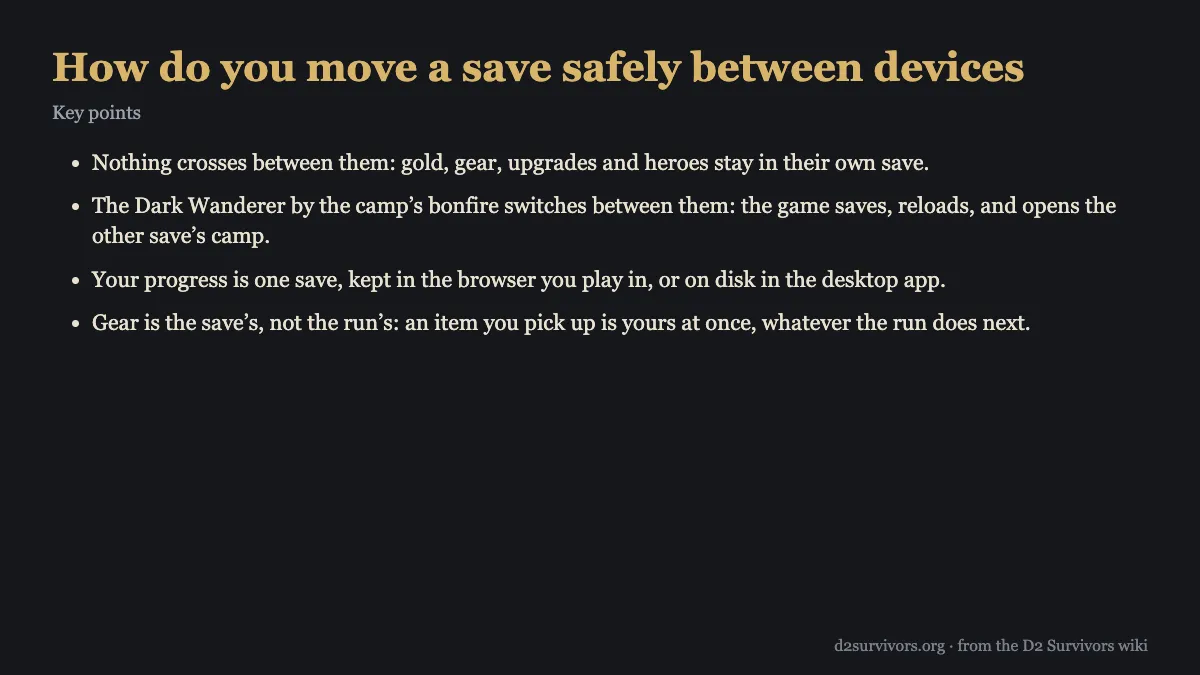
Hardcore Saves Cannot Be Exported
Hardcore and Softcore are separate saves. A Hardcore save cannot be exported or imported, so no code moves it between devices. An older save does not bring a dead hero back: the graveyard is kept outside the save and the ladder remembers the death. See the Hardcore guide.
Charsi's Forge: Why Old Saves Can't Be Undone
Each temper is rolled and recorded on the ladder's server. Loading an older save does not roll it back: on the next attempt the item is set back to its record. An item tried more than 3 times and then loaded from an older save is locked. Charsi's Forge keeps a record of every item's temper and upgraded base.
Save Code Errors and Fixes
| Message or symptom | Cause | Fix |
|---|---|---|
| Code is damaged | Incomplete or mistyped code | Copy the whole code again; spaces and line breaks are ignored |
| Code rejected as too long | More than 1,000,000 characters | Paste only the exported code |
| Asks you to refresh or update | The code is from a newer version | Refresh the page, or update the desktop app, then import again |
| Save missing | Site data was cleared | Look for the Your save is back notice, or import your export |
Still stuck? Try troubleshooting.
Still stuck? Try troubleshooting, and remember a D2 Survivors save editor cannot repair a damaged code.
D2 Survivors Save Editor FAQ
Can I use a D2 Survivors save editor to change my save?
There is no official one. A community editor by justPLguy exists, but it is third-party software we have not verified, and a save edited outside the game does not reach the ladder. Use it at your own risk.
Where is my D2 Survivors save stored?
In a browser it is in that browser's storage for the game's website. In the desktop app it is a file on disk. The official notes give no folder path.
What should I do when a save code is rejected?
Copy the whole code again, since spaces and line breaks are ignored. A code over 1,000,000 characters is refused, and a code from a newer version asks you to refresh or update first.
Are my backups still there if I clear browser data?
No. Clearing site data deletes the save and its automatic backups. Safari also removes data from sites unvisited for 7 days. Only an exported file is safe.
Can a Hardcore save be exported?
No. Hardcore saves cannot be exported or imported, and an older save cannot revive a dead hero. This holds for any D2 Survivors save editor too.
Facts on this page come from the D2 Survivors wiki at d2survivors.lol (game build 20261101.1) and the community editor's own page, read on 2026-11-14. Values can change with later builds.