D2 Survivors Setup: Get Ready to Play
Updated 2026-11-07
Version build 20261101.1
D2 Survivors setup starts with your own Diablo II install: choose the setup page in a desktop browser, select the folder containing the game files, and press EXTRACT. Once the files are ready, choose a hero and walk while skills cast automatically. You can also use the desktop app with your install.
How do you start D2 Survivors setup?
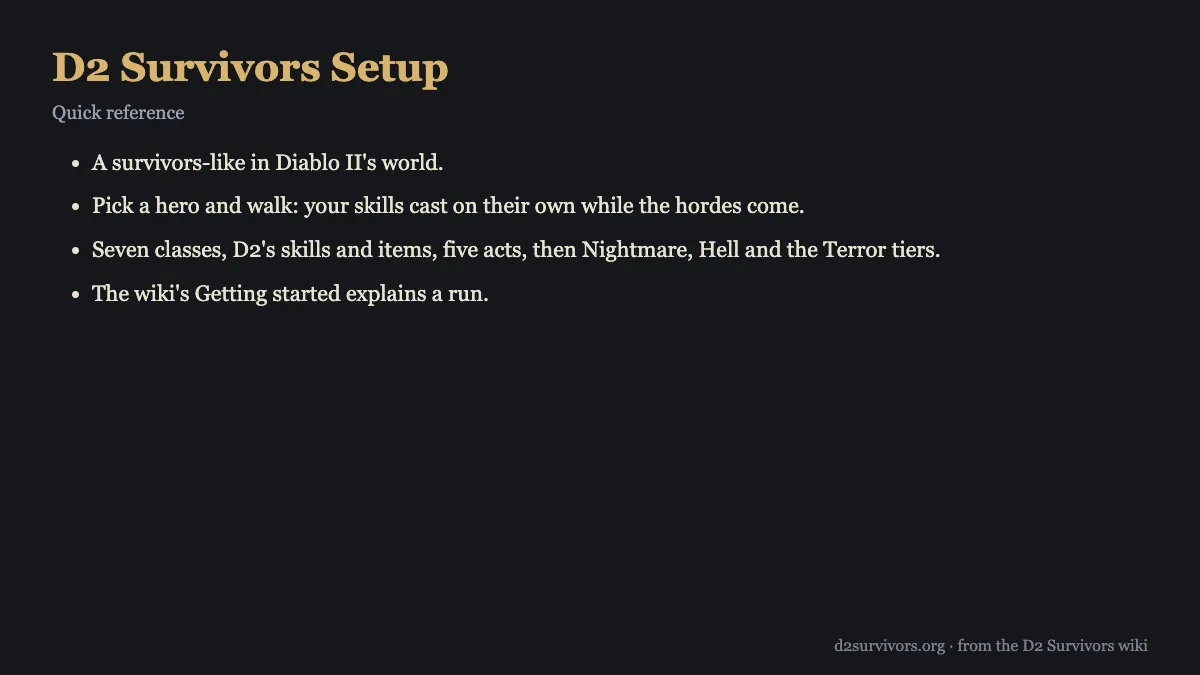
D2 Survivors is a survivors-like in Diablo II’s world: pick a hero and walk as skills cast on their own and hordes arrive. It has seven classes, D2 skills and items, five acts, then Nightmare, Hell and the Terror tiers. For the basics of a run, see Getting started.
The game uses art and sound from your own classic Diablo II with Lord of Destruction, patch 1.14, or Diablo II: Resurrected. In the website setup, choose the folder containing your install and press EXTRACT. The install can be nested inside the folder you choose, such as a Steam library; setup names the files missing from a wrong folder.
- For a classic install, the required files are d2data.mpq, d2char.mpq, d2sfx.mpq, d2exp.mpq and patch_d2.mpq.
- A Diablo II: Resurrected install from Battle.net or Steam works too.
- The website reads the files in your browser and keeps about 1.1 GB there. It asks the browser to keep them for good.
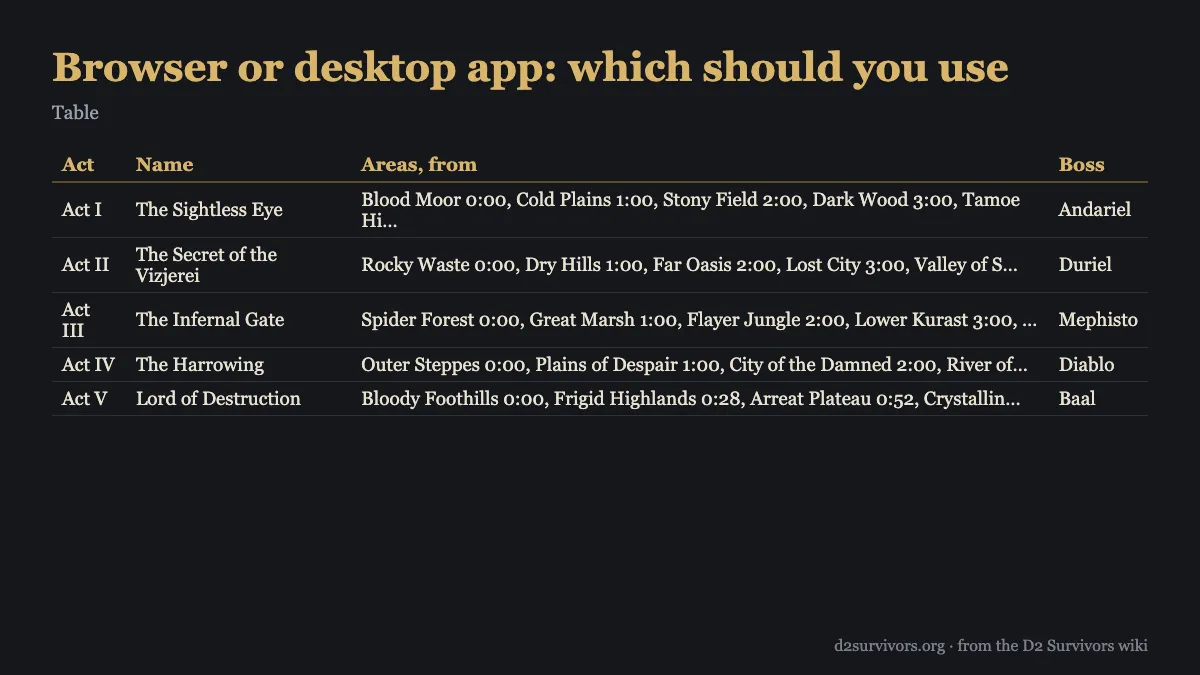
| Act | Name | Areas, from | Boss |
|---|---|---|---|
| Act I | The Sightless Eye | Blood Moor 0:00, Cold Plains 1:00, Stony Field 2:00, Dark Wood 3:00, Tamoe Highland 4:00, Catacombs 5:00 | Andariel |
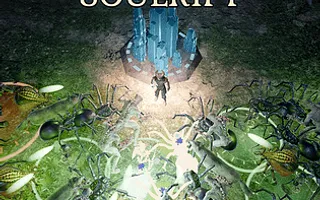
| Act II | The Secret of the Vizjerei | Rocky Waste 0:00, Dry Hills 1:00, Far Oasis 2:00, Lost City 3:00, Valley of Snakes 4:00, Claw Viper Temple 4:30, Arcane Sanctuary 5:00, Tal Rasha's Tomb 5:45 | Duriel |
| Act III | The Infernal Gate | Spider Forest 0:00, Great Marsh 1:00, Flayer Jungle 2:00, Lower Kurast 3:00, Kurast Bazaar 3:30, Upper Kurast 4:00, Kurast Causeway 4:30, Travincal 4:45, Durance of Hate 5:00 | Mephisto |
| Act IV | The Harrowing | Outer Steppes 0:00, Plains of Despair 1:00, City of the Damned 2:00, River of Flame 3:00, Chaos Sanctuary 4:00 | Diablo |
| Act V | Lord of Destruction | Bloody Foothills 0:00, Frigid Highlands 0:28, Arreat Plateau 0:52, Crystalline Passage 1:26, Frozen River 1:44, Nihlathak's Temple 2:02, Halls of Vaught 2:14, Glacial Trail 2:30, Frozen Tundra 2:48, Ancients' Way 3:00, Arreat Summit 3:10, Worldstone Keep 3:42, Throne of Destruction 4:15 | Baal |
The game reads the files on your computer; they stay in the browser’s storage or the desktop app’s folder. Without Diablo II menu art in your files, a plain class select stands in: Normal only, with no camp or Options.
Which platforms can run D2 Survivors?
The website works in desktop Chrome, Edge, Firefox and Safari. The desktop app is available for Mac with Apple silicon, Windows and Linux; the Linux app is a beta x64 AppImage and runs on Steam Deck too. A phone or tablet cannot read a Diablo II install.
While hosted files remain available, the setup page offers HOSTED FILES, letting the game load art and sound from the site. They are going away very soon. After they end, the website plays only with your own files.
Your heroes stay in the browser with or without game files, and switching between your own files and hosted files does not change a save. For mobile play, see mobile play.
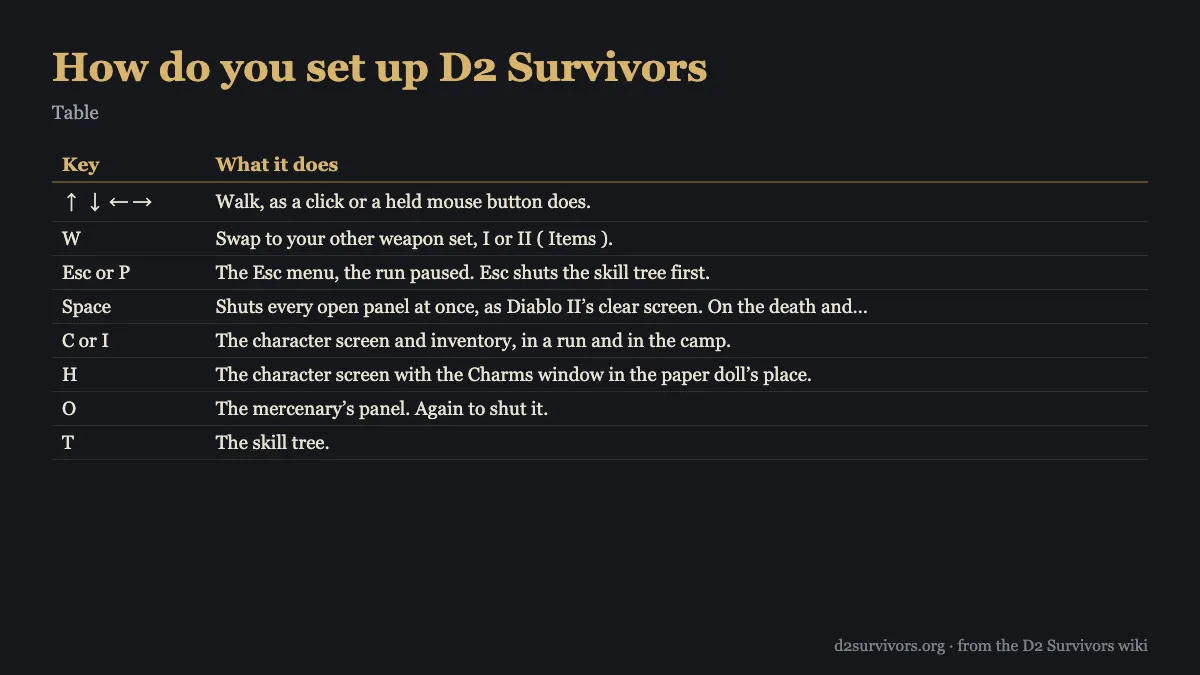
| Key | What it does |
|---|---|
| ↑ ↓ ← → | Walk, as a click or a held mouse button does. |
| W | Swap to your other weapon set, I or II ( Items ). |
| Esc or P | The Esc menu, the run paused. Esc shuts the skill tree first. |
| Space | Shuts every open panel at once, as Diablo II’s clear screen. On the death and victory screens it presses the first button, as Enter does: PLAY AGAIN after a Softcore death. |
| C or I | The character screen and inventory, in a run and in the camp. |
| H | The character screen with the Charms window in the paper doll’s place. |
| O | The mercenary’s panel. Again to shut it. |
| T | The skill tree. |
| Q | The Quest Log. |
| Tab | The automap, in a run and in the camp: the overlay, the corner map, then off. |
| 1-4 | Drink from that column of the belt, in a run. |
| Alt, held | Every item’s name on the floor. |
| M | Sound and music off or on. |
| L | The damage a second, in a run: OFF, SIMPLE, DETAILED. |
Browser or desktop app: which fits your D2 Survivors setup?
D2 Survivors setup in a browser needs nothing installed beyond your Diablo II files: point setup at your install once and play. The desktop app runs in its own window, works offline, and keeps itself up to date.
After an update that reads some files differently, the app extracts only those files again on its own.
On Windows, the installer may show a warning the first time because it is not signed: choose More info, then Run anyway.
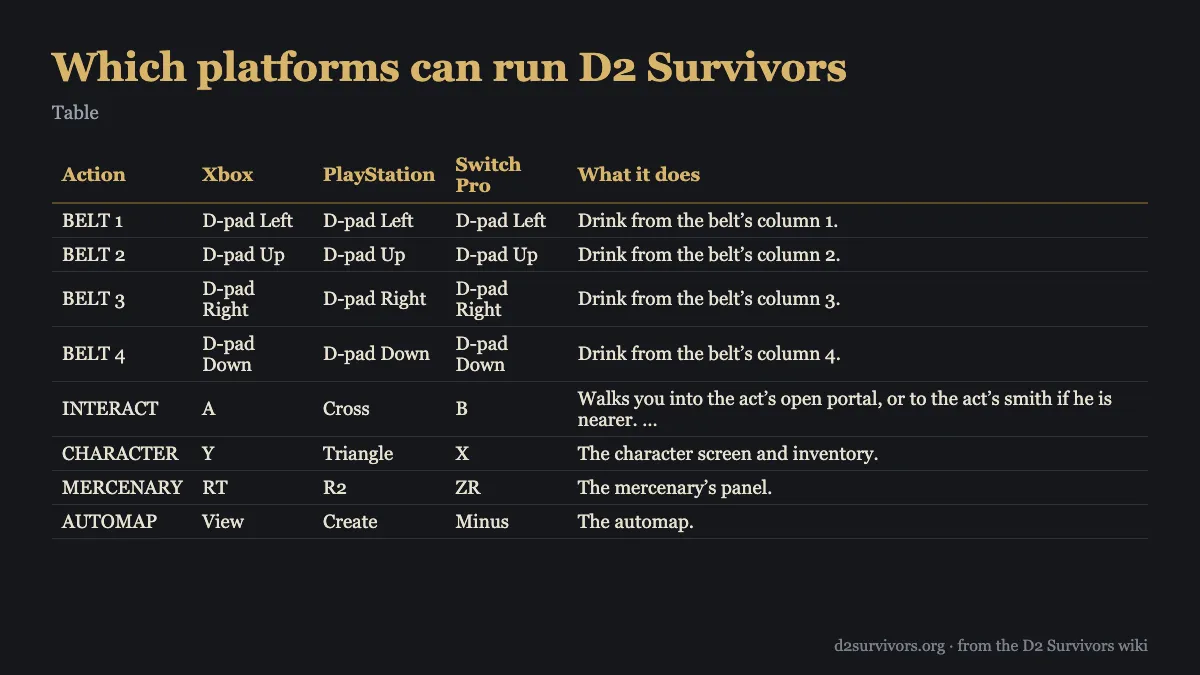
A gamepad can play the whole game in Chrome, Edge, Firefox, Safari and the desktop app.
| Action | Xbox | PlayStation | Switch Pro | What it does |
|---|---|---|---|---|
| BELT 1 | D-pad Left | D-pad Left | D-pad Left | Drink from the belt’s column 1. |
| BELT 2 | D-pad Up | D-pad Up | D-pad Up | Drink from the belt’s column 2. |
| BELT 3 | D-pad Right | D-pad Right | D-pad Right | Drink from the belt’s column 3. |
| BELT 4 | D-pad Down | D-pad Down | D-pad Down | Drink from the belt’s column 4. |
| INTERACT | A | Cross | B | Walks you into the act’s open portal, or to the act’s smith if he is nearer. In the camp, to the nearest person, the stash, a hero by the fire or the waypoint. |
| CHARACTER | Y | Triangle | X | The character screen and inventory. |
| MERCENARY | RT | R2 | ZR | The mercenary’s panel. |
| AUTOMAP | View | Create | Minus | The automap. |
| SKILL TREE | B | Circle | A | The skill tree. |
| GAME MENU | Menu | Options | Plus | The game menu. |
| PICK SKILL LEFT | LB | L1 | L | Picks the held skill to the left, framed on the strip. |
| PICK SKILL RIGHT | RB | R1 | R | Picks the held skill to the right. |
| REST SKILL | X | Square | Y | Rests the picked skill, or takes it up again. |
| SHOW ITEMS | LT | L2 | ZL | Held: every item’s name on the floor. |
| SHOW DAMAGE | RS | R3 | RS | Steps the damage a second. |
| SWAP WEAPONS | LS | L3 | LS | Swaps to your other weapon set, I or II. |
Where does the desktop app keep your save?
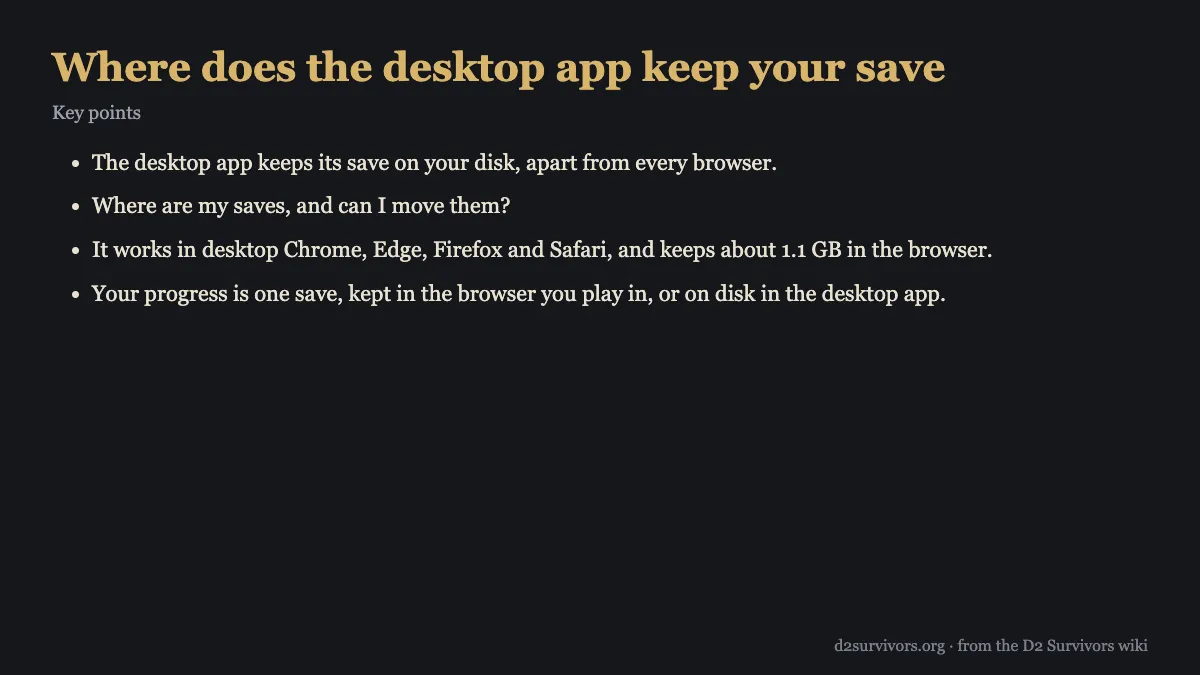
The desktop app keeps its save on your disk, apart from every browser. It keeps a Softcore copy outside its browser engine.
If the game page crashes, the app loads it again and CONTINUE brings back the run. SAVES can export Softcore progress as a text file or a code, and import it in another browser or the app.
On the website, progress is one save in the browser you play in. Only an exported file is yours to keep. Learn more in Saves.
Hardcore has its own save and ladder; a Hardcore hero has one life, and death is permanent.
What should you check if setup fails?
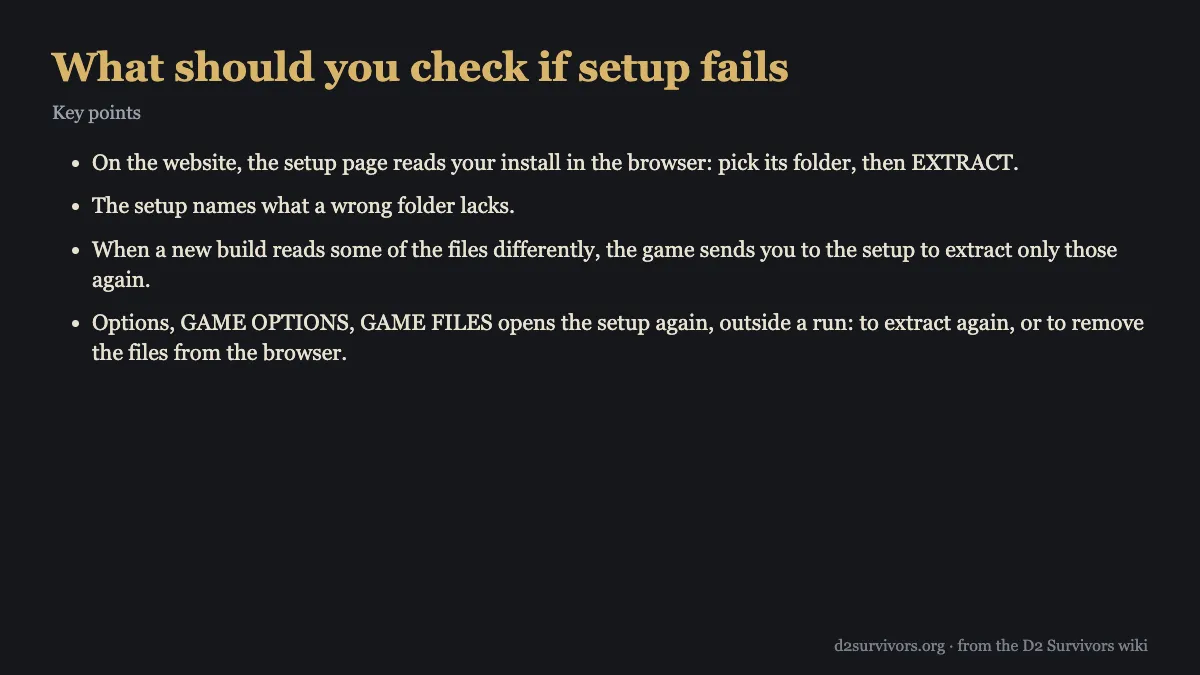
For D2 Survivors setup, check that you selected the folder containing your Diablo II install. A classic install needs d2data.mpq, d2char.mpq, d2sfx.mpq, d2exp.mpq and patch_d2.mpq; setup lists what a wrong folder lacks.
If a new build sends you back to setup, extract the files it needs again. Options, GAME OPTIONS, GAME FILES opens setup outside a run, where you can extract again or remove files stored in the browser.
On some Windows PCs, Chrome or Edge may slow down during a long session because its default Direct3D 11 graphics backend keeps memory. Open chrome://flags/#use-angle in Chrome or edge://flags/#use-angle in Edge, set it to D3D11on12 and relaunch.
If browser storage is full, blocked or unavailable in a private window, the game continues but warns before you leave when a save fails. See the troubleshooting guide. For a bug report or idea, use Esc → REPORT.
D2 Survivors Setup FAQ
Can I use D2 Survivors setup on my phone?
A phone or tablet cannot read your Diablo II install. It plays hosted files while the site serves them; afterward, play with your own files on a desktop browser or use the desktop app.
Does D2 Survivors upload my game files?
No. The files are read on your computer and stay in browser storage or the app’s folder. The game ships none of Blizzard’s files.
What carries over from run to run?
Your gear, gold and camp carry over. Charsi sells gear and upgrades, Kashya hires mercenaries, and Deckard Cain rewards quests; after your hero kills Baal, you keep your level too.
Where can I read how the game works?
The wiki explains every class’s skills level by level, items, uniques and set items, mercenaries, quests, Terror tiers and Hardcore. See [The camp](/wiki/camp/) for the camp’s services.
What does a Ko-fi tip get me?
Nothing in the game; a tip supports the developer’s time. No game content is ever sold.
What should I check if D2 Survivors setup fails?
Confirm that the selected folder contains the required Diablo II files, then follow setup’s missing file names and extract again. If you are using the desktop app, its menu can re-extract the game files. D2 Survivors setup needs your own files once hosted play ends.
Facts on this page come from the D2 Survivors wiki at d2survivors.lol (game build 20261101.1), read on 2026-11-07. Values can change with later builds.